

Translate Video to English and Keep Subtitles in Sync
To translate video to English without disrupting its timing, keep the original audio and add translated subtitles unless you have a clear reason to dub the voices…
Good to know before dubbing your video
Verified July 29, 2026Figures: official YouTube blog (2025-2026) · CSA Research 2020 · Klipa 30-day measurements.
Translating a video means replacing its spoken language with another — in writing (subtitles) or out loud (dubbing). Klipa's AI video translator detects the language spoken in your video, translates it and produces a new audio track — no studio and no voice actor. Two modes are offered on screen: Dubbing and Interpreter.
In Dubbing mode, the translated voice stays close to the voice of the person on screen and keeps the emotions, rhythm and ambience of the original, so the video seems shot in the other language. It is available towards 32 languages.
In Interpreter mode, a clear voice translates the meaning, like a conference interpreter. You pick one of seven named voices — three female, three male, one neutral — and can play a short sample in the target language before launching. This mode is available towards 33 languages. An option keeps the original audio playing at low volume behind the new voice, useful when ambient sound or music should stay audible.
In Interpreter mode, each translated line is placed at the timestamp of the original line, so the voice stays at the right moment of the picture. If a line overruns its slot, the pace is nudged up within a measured limit instead of the voice being cut off. The last line is never cut: the video may be extended by a few frozen frames so it can finish.
Whichever mode you choose, a translated subtitle file (SRT) is produced along with the video. You can publish the video with the new audio only, use the subtitles on their own, or combine both — useful when a platform handles imported subtitles poorly, or when your audience watches with the sound off.
You can upload your video in MP4, MOV, AVI, MKV or WebM. The free trial translates 15 seconds of your own video, taken on its most spoken passage. To translate the whole video, choose the Pro plan (10 min per month) or Studio (30 min per month), or pay once based on the video's duration. If a subscriber has fewer minutes left than the video lasts, only the beginning is translated, and the one-off payment is offered for the whole video.

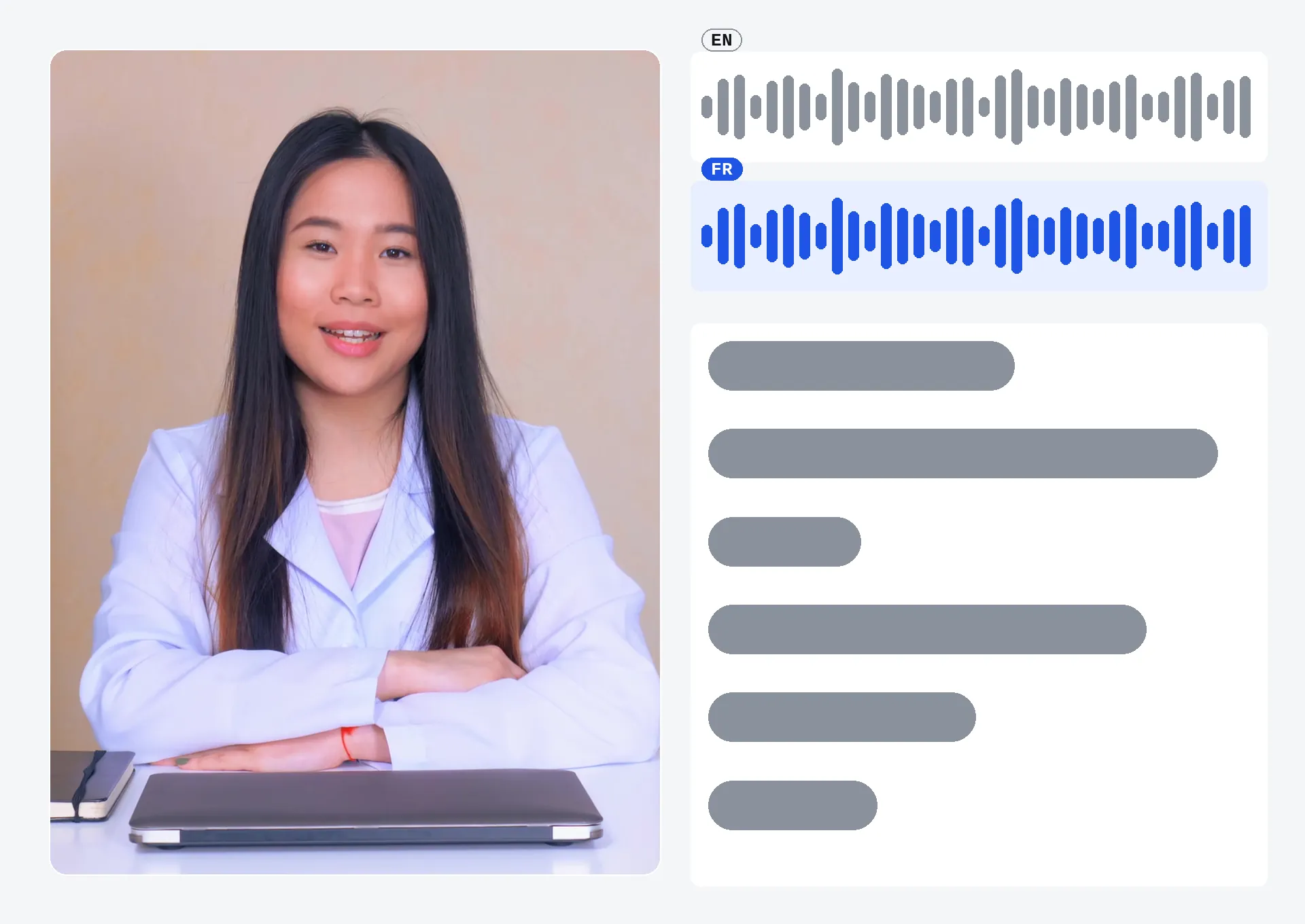
Drop your video file (MP4, MOV, AVI, MKV or WebM): the spoken language is detected automatically by the AI, with nothing to specify yourself before moving on.
Choose the mode — Dubbing or Interpreter — and the target language. In Interpreter mode, also pick one of the seven voices and play a short sample before launching the translation.
Get the video back with its new voice synced to the picture, plus the translated subtitle file — ready to publish with the dub, the subtitles, or both.
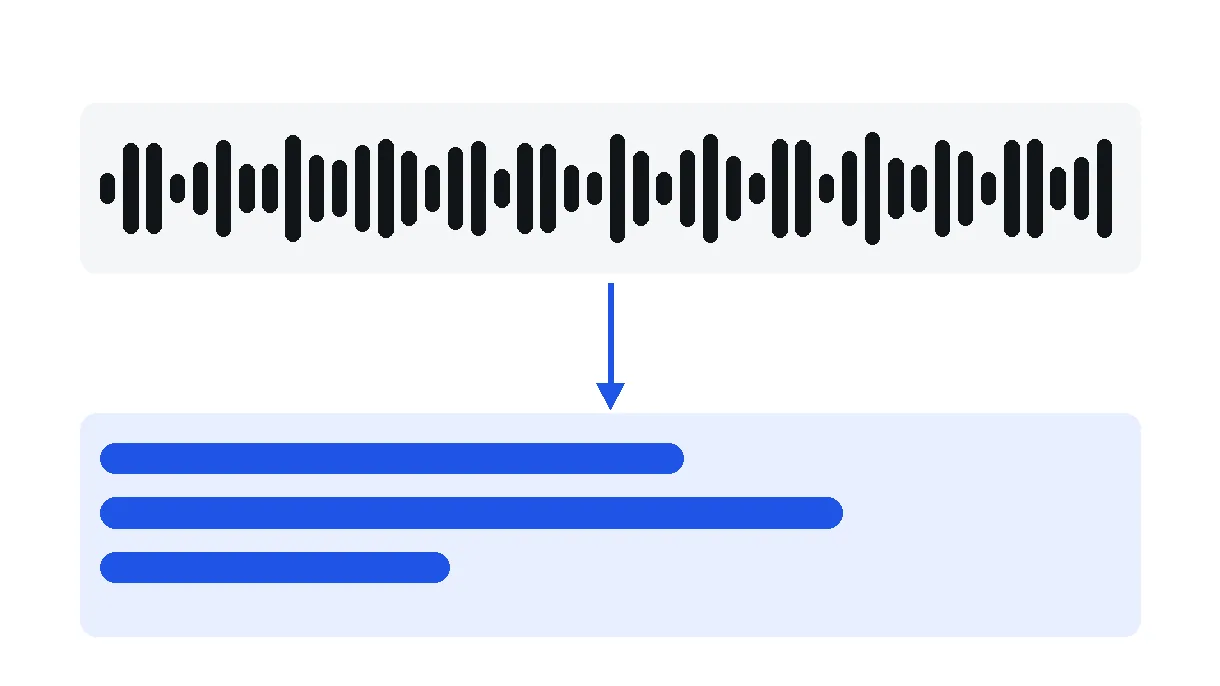
Transcription, translation and voice generation run automatically from start to finish: upload a video in one language, get back a dubbed one in another, with no subtitle file to export by hand and no juggling between separate tools.
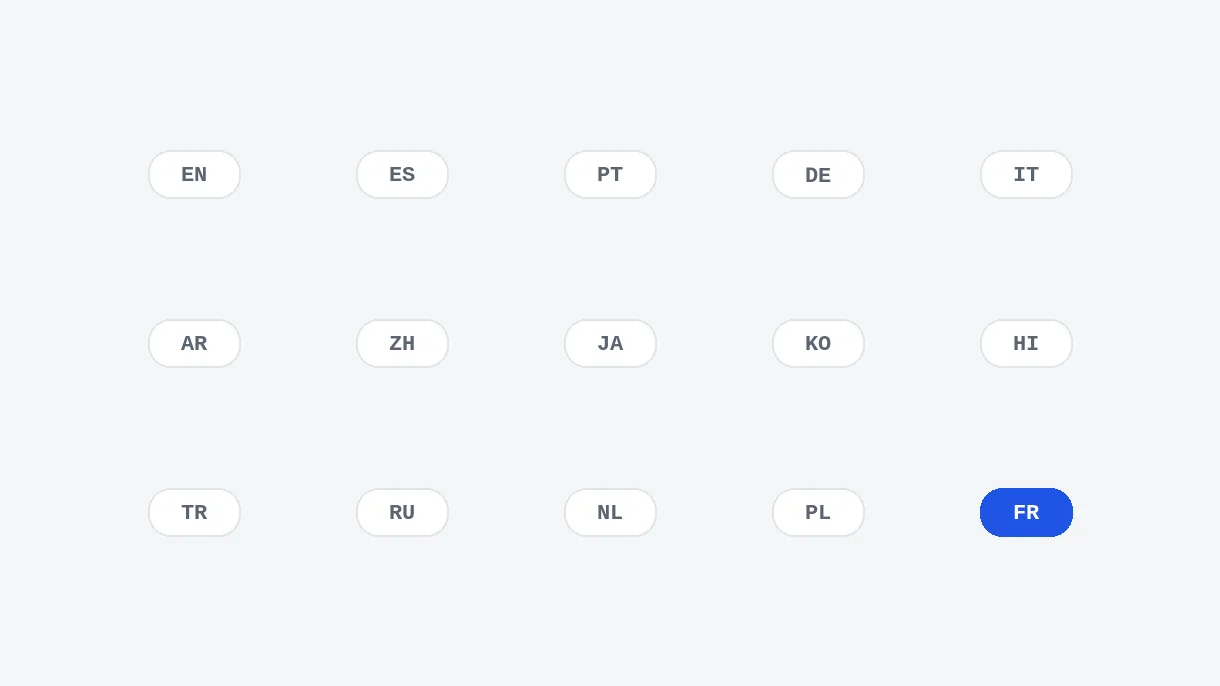
In Dubbing mode, your video can be translated into 32 languages; in Interpreter mode, into 33 languages. The language spoken in your video is detected automatically, so you only choose the target language.
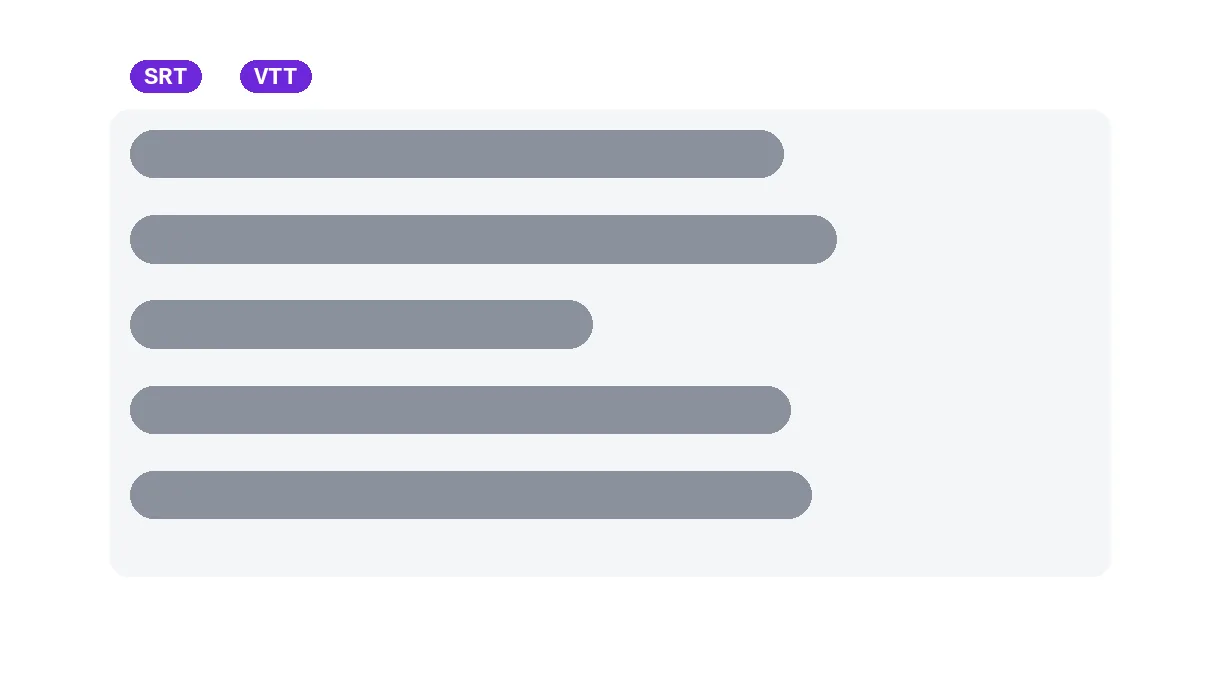
A subtitle file in the target language is produced at the same time as the dub, sharing the same timestamps. Download it on its own, alongside the new voice, or in place of it, depending on where the video is published.
In Interpreter mode, choose one of seven named voices — three female, three male, one neutral. Each can be previewed as a short sample in the target language before you launch the translation. In Dubbing mode, the translated voice stays close to the voice of the person on screen.
A video recorded in another language becomes watchable for an English-speaking audience, with a dubbed voice instead of subtitles that many viewers skip past on mobile. The original video stays untouched on your side, ready to publish alongside the dubbed one.
One source video becomes several dubbed versions, one per target market, with no reshoot and no trip back to a studio for each language. The message and pacing of the original stay the same — only the voice changes.
Learners who don't speak the original language follow the material in their own, with the voice timed to whatever is being demonstrated on screen rather than subtitles that force them to read while a diagram or gesture plays.
A video already online gets a second life in a market it never reached, without re-recording the content or hiring a dubbing actor for every language. Each market gets its own voice, in its own language, from the same source file.
A family message, a filmed memory or a wedding video recorded in one language becomes audible to relatives who speak another, without going through a professional translation service for what is usually a one-off, personal use.
Upload the video, pick the target language and the mode, dubbing or interpreter. A free trial translates 15 seconds of your video, where the most is said. The whole video is translated with the minutes of Pro (10 min per month) or Studio (30 min per month), or with a one-time payment based on its length.
In Interpreter mode, each translated line is placed at the timestamp of the original line. If it overruns its slot, the pace is nudged up within a measured limit instead of the voice being cut off. The last line is never cut: the video may be extended by a few frozen frames so it can finish.
Dubbing mode is available towards 32 languages, and Interpreter mode towards 33 languages. You don't need to indicate the language of your video: the source language is detected automatically.
It depends on the mode you choose on screen. In Dubbing mode, the translated voice stays close to the voice of the person on screen and keeps the emotions, rhythm and ambience, so the video seems shot in the other language. In Interpreter mode, a clear voice translates the meaning, like a conference interpreter, without the original emotions or timbre.
Yes, in Interpreter mode. You choose one of seven named voices (three female, three male, one neutral) and can play a short sample in the target language before launching the translation. In Dubbing mode, the translated voice stays close to that of the person on screen.
Yes. A translated subtitle file is generated alongside the dubbed video, sharing the same timestamps as the dub. You can publish the video with the dub alone, the subtitles alone, or both together, depending on the platform and the audience.
Processing time depends on the video's length and how many lines of speech need transcribing, translating and voicing: expect a few minutes for a short video, noticeably longer for a lengthy or dialogue-heavy one, since every line is handled in turn.
The video translator works on an uploaded file, not a pasted YouTube link. Download the video first with Klipa's video downloader tool, then upload the resulting file here to run the translation and dubbing, with no extra step in between.

To translate video to English without disrupting its timing, keep the original audio and add translated subtitles unless you have a clear reason to dub the voices…

Your video speaks volumes in one language, but there are millions of potential viewers who don’t speak it. Adding multilingual video subtitles is the fastest way to…

You just uploaded your latest masterpiece to YouTube. A few days later, a comment pops up in Spanish, thanking you for the video. The weird part? You don’t speak…
Translation, synced AI dubbing and translated subtitles.
No credit card required
