

Klipa AI/
All Tools
Free online video tools
What do you want to do with your video?
Ctrl K
65 tools · 9 categories · instant search Free to try
Most used
The tools launched most this month
 #1ConversionMP4, MOV, WebM, AVI, MKV…
 #2ResizeFit any aspect ratio
 #3Noise removalClean, noise-free audio
 #4Audio extractionGrab the audio track
 #5AI ClipsThe best moments, found
 #6Vertical reframeVertical reframe, face tracking
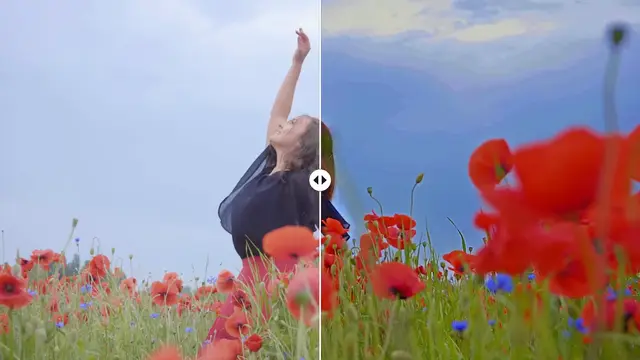 #7Video enhancerFix dark, overexposed or grainy videos
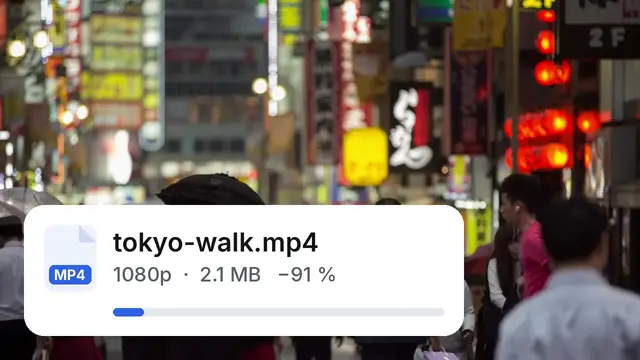 #8CompressionShrink size without visible loss
Our flagship tools
The most advanced things Klipa does
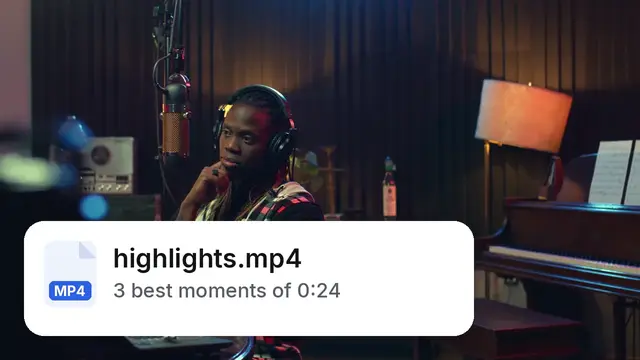 AI montage (best-of)A long video into a short one
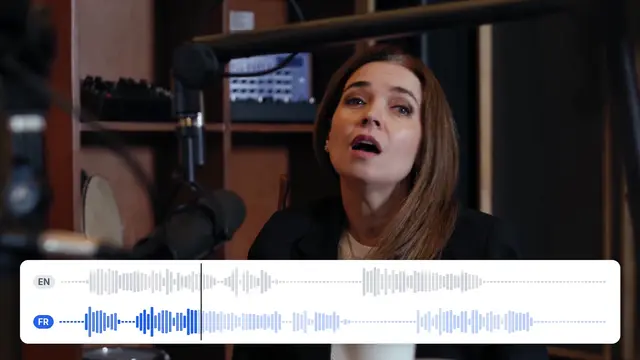 Video translationDub or interpret your videos
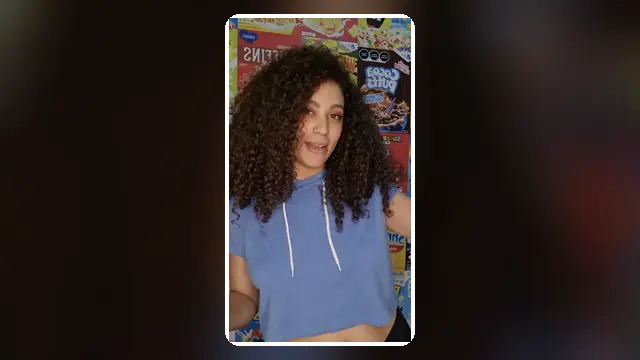 Animated subtitlesViral word-by-word captions
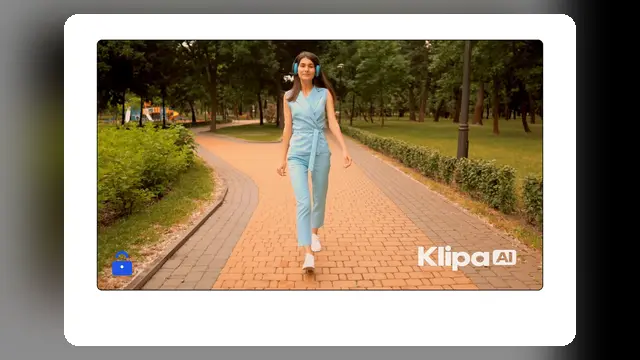 WatermarkAdd or remove a watermark
Edit, caption and export — all in one place.
OpenCut, convert, compress
6 toolsCompressionShrink size without visible loss
ConversionMP4, MOV, WebM, AVI, MKV…
TrimTrim start and end
Video to GIFLight, sharp loops
Formats and social media
12 toolsSound and voice
12 toolsVoice-overA text read aloud over your video
Voice changerA new voice, the same words
Sound effectsNewSound effects described in words
Silence removalCut dead air automatically
Filler removalRemove ums and uhs
AI clips and editing
3 toolsAI montage (best-of)A long video into a short one
Image and quality
4 toolsVideo enhancerFix dark, overexposed or grainy videos
Background removalRemove or replace your video background
WatermarkAdd or remove a watermark
Logo overlayStamp your brand
Subtitles and languages
12 toolsSubtitle conversionSRT, VTT, ASS, TXT
Translated subtitlesCaptions in 30+ languages
Speed and effects
4 toolsReverse videoNewPlay a video backwards, with the sound reversed or muted.
Text and hashtags
4 toolsScript generationAI writes your script
Video downloaders
8 toolsTry another word, or browse all categories.
Before you start
Need to go further?
All our tools work right in your browser, without installing anything: 10 free credits to try them without an account, and 10 more with a free account. Your files stay private and unfinished videos are deleted automatically.
Open the Studio to edit, caption and export your video.
No installation, straight away
Compress, convert, cut, resize.
Private files
Unfinished videos auto-deleted.
Quality preserved
No loss, no forced watermark.