

Transcribe Audio to Text Free: 5-Minute Real File Workflow
Most people think you have to upload a private voice memo to a random server to transcribe audio to text. That belief costs time, exposes sensitive recordings, and…
Converting video to text means turning speech into written words. Klipa's transcription tool accepts video and plain audio files alike, detects the spoken language on its own, and tells voices apart when more than one person is talking, then hands back timestamped text ready to read, quote or turn into subtitles.
There's no need to extract the audio from a video first, or convert a recording into a special format: transcription accepts video (MP4, MOV, AVI, MKV, WebM) and audio (MP3, WAV) directly, up to 2 GB per file. The output is the same whether you start from a meeting recording or a plain voice memo recorded on a phone.
The TXT file is for reading back, quoting or copying a passage into an article. SRT and VTT add a timestamp to every line: these are the formats a video editor or YouTube expects for subtitles. Transcription produces all three formats at once, bundled into a single ZIP file, with nothing to pick when you upload.
Clear audio without background music or noise gives the best result every time. A strong accent or technical jargon is generally recognised well, but can trip up a rare proper noun. You can supply those words upfront to help recognition, and remove background noise first if the recording is noisy or picked up from several feet away.
Transcription is usually the first step, not the last. To display the text on screen, burn the SRT file in with the animated subtitles tool. To offer it in another language, translate the SRT file with the subtitle translator, or dub the voice directly with the video translator. If you only needed the words, the TXT file is already everything you need.

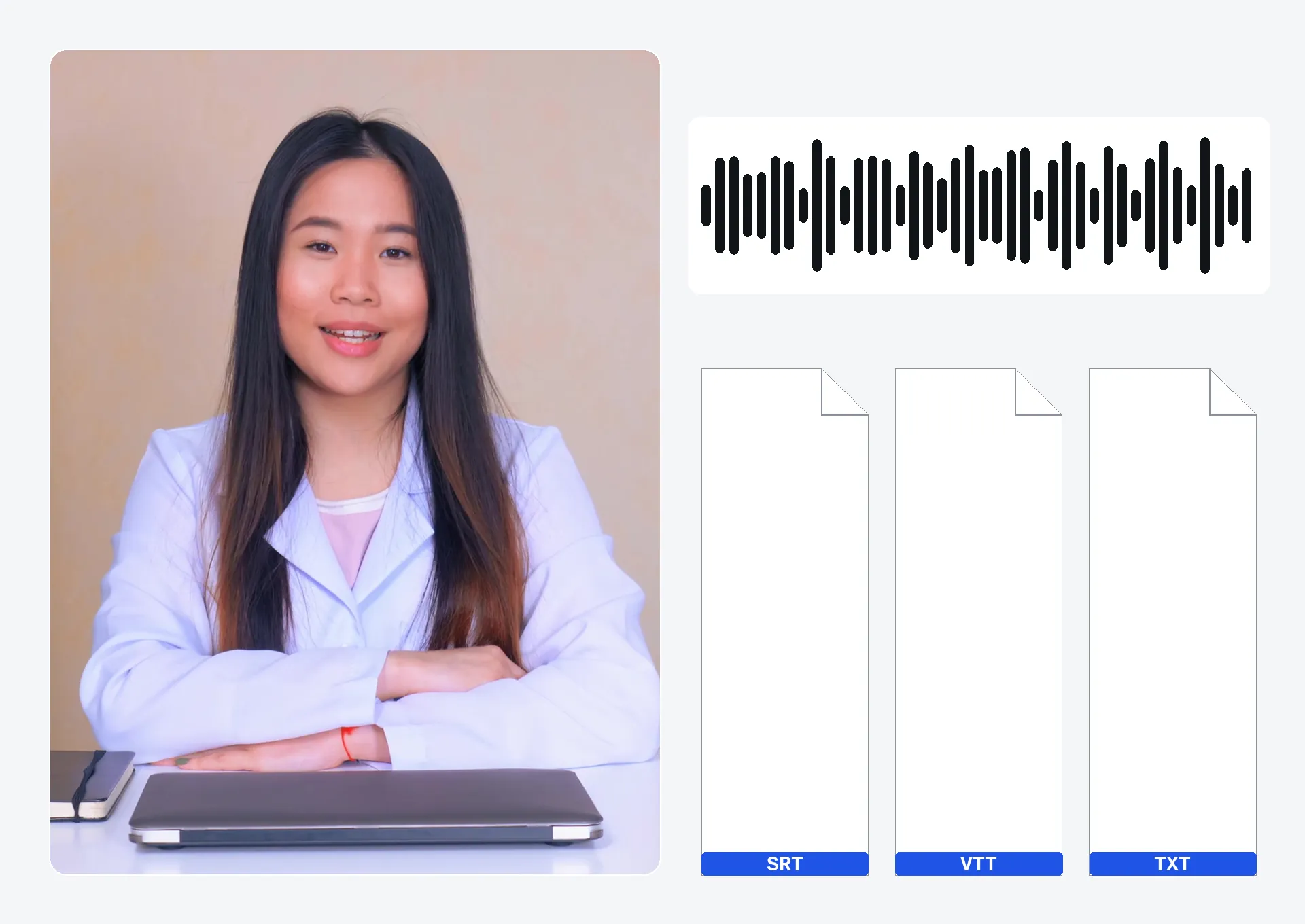
Drop a video or audio file (up to 2 GB).
The spoken language is detected automatically; add proper nouns to recognise and turn on speaker identification if more than one person is talking.
Get the transcribed text plus the SRT and VTT subtitle files, all bundled into one ZIP, ready to reuse as they are.
The spoken language is detected automatically, whatever it is: nothing to select by hand before running the transcription.
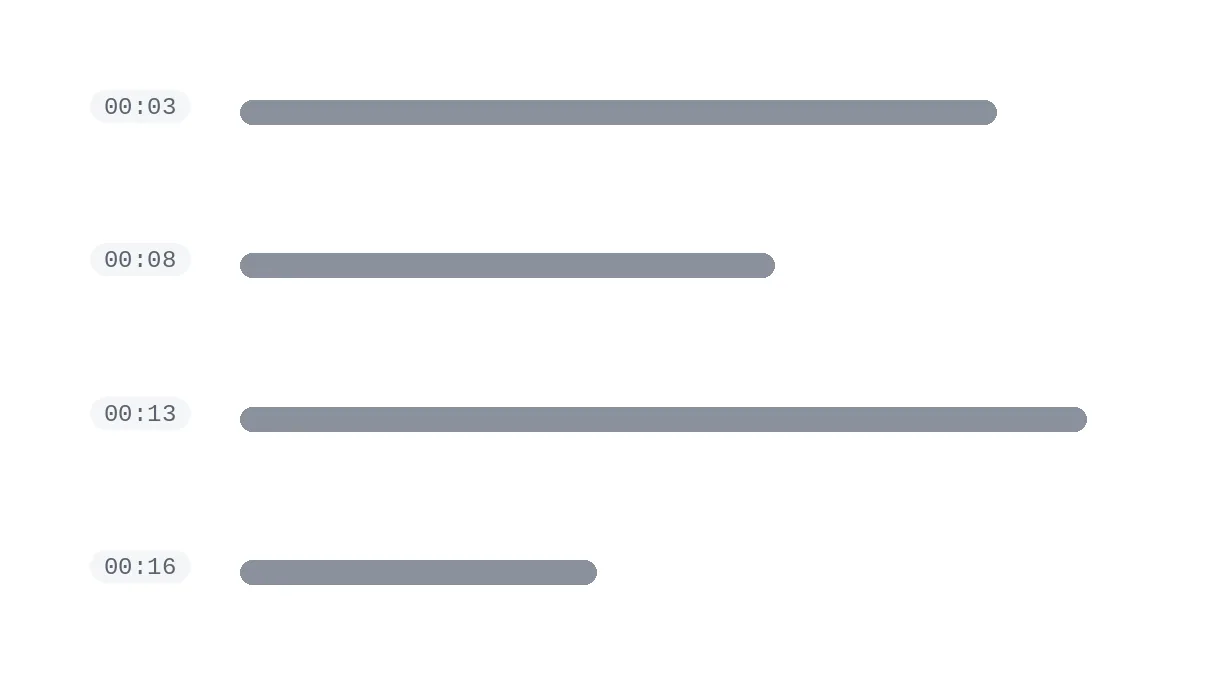
Every transcribed sentence carries its exact timing, so you can jump straight to a precise passage in the original video or audio, without replaying the whole thing.
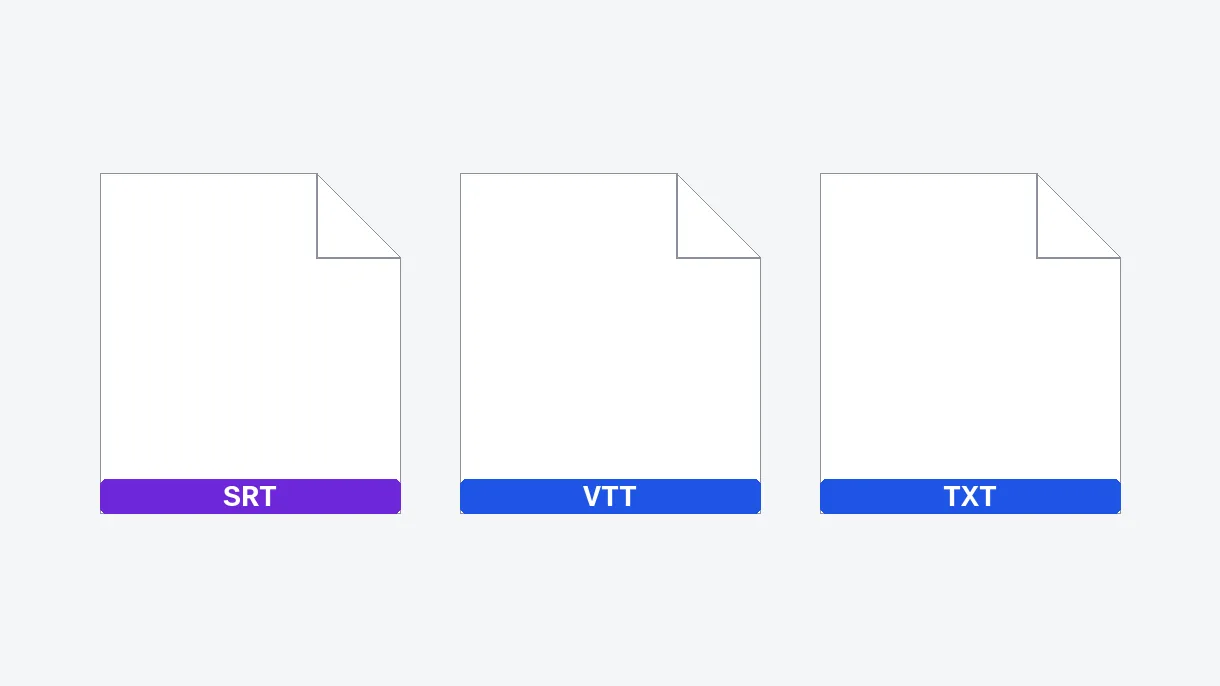
All three formats come out at once, in a single ZIP file: plain text for reading, SRT and VTT ready to use as subtitles.
Optionally, the transcription says who's speaking and separates each participant — ideal for a multi-voice meeting, an interview or a podcast with several guests.
Get the full verbatim of an interview, with the timing of every line and the name of who's speaking, ready to quote in an article without replaying the recording.
A recorded meeting becomes a written record, with every participant identified automatically or against a headcount you set: no need to replay the whole thing to find out who said what.
Transcription produces the SRT and VTT files directly, timing already worked out, ready to burn into the video without retyping a single word.
The transcribed text becomes the base for a blog post or show notes, without re-listening to the whole episode to find one precise quote.
Transcribe an online course, tutorial or webinar into timestamped text to build study notes and jump straight to any key passage, without scrubbing through the whole recording.
Upload the video or audio file and run the transcription: the spoken language is detected automatically and timestamped text is produced within moments, downloadable as plain text or as SRT and VTT subtitle files, with no software to install — an interview, a lecture or a meeting alike.
A wide range of languages is detected automatically, with nothing to select by hand — including English, French, Spanish, Arabic and Mandarin.
You need to upload a file directly rather than paste a link — the transcription tool doesn't fetch videos from a URL. For a TikTok, Instagram or Twitter/X video, download the video first, then upload the saved file here to transcribe it.
Plain text (.txt), plus timestamped SRT and VTT subtitle files, all bundled into one downloadable ZIP file. Plain text suits reading or quoting a passage in an article; SRT and VTT plug straight into a video editor, a media player or YouTube's caption uploader.
Yes, the transcription creates the SRT file automatically: every line gets its timestamp as soon as the speech is recognised, no extra step required. That's different from a subtitle converter, which changes an existing subtitle file's format — here, the SRT is generated from scratch, straight from the raw sound.
It's very accurate on clear, calm audio with a single speaker. A strong accent or technical jargon is usually recognised well; audio recorded close to a decent microphone comes back cleaner than a phone picking up sound from across the room. Supply proper nouns upfront and remove background noise if needed.
Yes. Transcription accepts video and plain audio files alike (MP3, WAV): a voice memo, a meeting recording or a podcast episode transcribes exactly the same way as a video, with no extraction step or format conversion needed first, whichever you upload.
The trial is free: 20 credits are offered to try the tool, and transcription adds no watermark: it can be downloaded, in all three formats, without a credit card. With Pro or Studio, files can be up to 2 h.
Not for long: files are automatically deleted; Studio keeps them for up to 90 days. Nobody else can access them in the meantime, and you can re-download your files anytime before they are deleted.
Yes: Google and YouTube index a page's text or subtitle track, not a video's audio. The transcribed text also lets you jump to an exact keyword in a long video with a simple Ctrl+F (or Cmd+F on Mac), and adding the VTT file to YouTube makes it accessible to Deaf and hard-of-hearing viewers.

Most people think you have to upload a private voice memo to a random server to transcribe audio to text. That belief costs time, exposes sensitive recordings, and…

You have a 40-minute interview sitting in your downloads folder, and the client asked for a written summary by noon. You already tried pausing, replaying, and…

Manually transcribing and timing subtitles for every video is tedious and time-consuming. You’ve probably spent hours trying to sync text with speech, only to find…
AI transcription in 100+ languages, timestamped, SRT export.
No credit card required
