

How to Download TikTok Videos on PC Without Watermark
TikTok never gives you a direct ‘Save as MP4’ button for other people’s clips—the app wraps every downloaded video in a scrolling watermark, because the file you…
Paste a public video link and get a clean MP4 with sound — free, no app, no watermark.

Save videos from any platform, no watermark.
Paste a compatible public video link you're authorized to use — TikTok, Instagram, Vimeo, Dailymotion and other platforms — and download it as MP4.
HD/4K remains available depending on the source.

Paste the URL of a public video you're authorized to use. Klipa automatically detects the source and the available formats.
Klipa shows the video duration and the minutes it will use; you choose the format before starting the download.
Download the MP4 file to your device, or open it in Klipa to add subtitles, extract audio, crop the video, or create clips.
A genuine MP4 file on your device, no software to install — compatible with VLC, CapCut, Premiere Pro and other major editing tools.
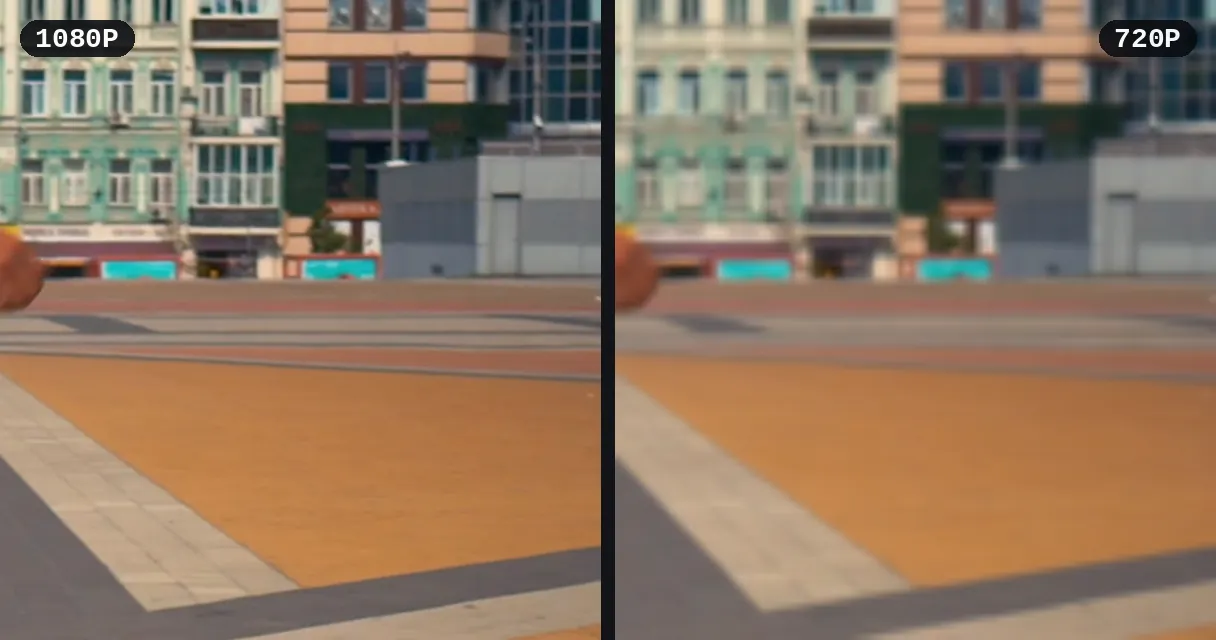
Before you start: the video duration and the minutes it will use. After the download: the format, the real file size and the quality you got.
Klipa never adds a watermark. Free download in good quality; HD or 4K depending on the source is a paid unlock, video by video. A watermark already baked into the original video may still be visible.
Open the downloaded video straight in the editor to add subtitles, crop, or extract audio — no re-upload needed.
Find a video you published to reuse, archive, or edit it — without having kept the original file.
A client shares a Vimeo, Dailymotion or Instagram link instead of a file? Download the video and drop it straight into your editing project.
Download public, royalty-free videos, or ones you have permission to use, to bring into your projects.
Download a webinar replay published on Vimeo, Dailymotion or Twitch to watch it offline. To pull clips from it inside Klipa, the source video can be up to 2 h long on Pro.
Transform a video you have the rights to: vertical crop, animated subtitles, audio extraction, or short clips — right in Klipa's editor.
TikTok, Vimeo, Dailymotion, Twitter/X, Facebook, Instagram, Twitch, Streamable, Reddit, Pinterest, Snapchat, Kick, Bluesky, 9GAG, Odysee, Coub, Tumblr, Rumble. Compatibility depends on whether the video is publicly accessible and can vary from one platform to another.
Yes. You get a genuine MP4 file, saved to your computer or phone, playable in VLC and compatible with editing software like CapCut or Premiere Pro.
In your browser's downloads folder, like any other file — you can then move or rename it as you like.
The most common causes, in order: the post contains no downloadable video, the video was deleted or is no longer available, a geographic restriction, the platform refusing access from our servers, or the platform not responding. Less often: a private video, a login required by the platform, an invalid or expired link, and finally DRM protection. The message shown gives the reason whenever the platform provides one.
Yes, no sign-up required. Only compatible public videos are supported.
Files are automatically deleted no later than 48 h after download. Download your file as soon as it's ready.
Yes. Once the file is ready, open it straight in the Klipa editor to add subtitles, crop, extract audio, or create clips — no re-upload needed.
You're responsible for respecting copyright. This tool is meant for your own videos, content you have rights to, or reasonable personal use — not for republishing or monetizing someone else's work without permission.

TikTok never gives you a direct ‘Save as MP4’ button for other people’s clips—the app wraps every downloaded video in a scrolling watermark, because the file you…

A Facebook video link is not a file. It is an HTML page that wraps the MP4 in JavaScript, trackers, and permission checks before the player ever shows a pixel. If…

Here’s the finished result: a clean, playable MP3 file on your phone, ready to listen offline, share in a chat, or drop into a video project. You pulled the audio…
Klipa never adds a watermark. Try it free.
No credit card required
