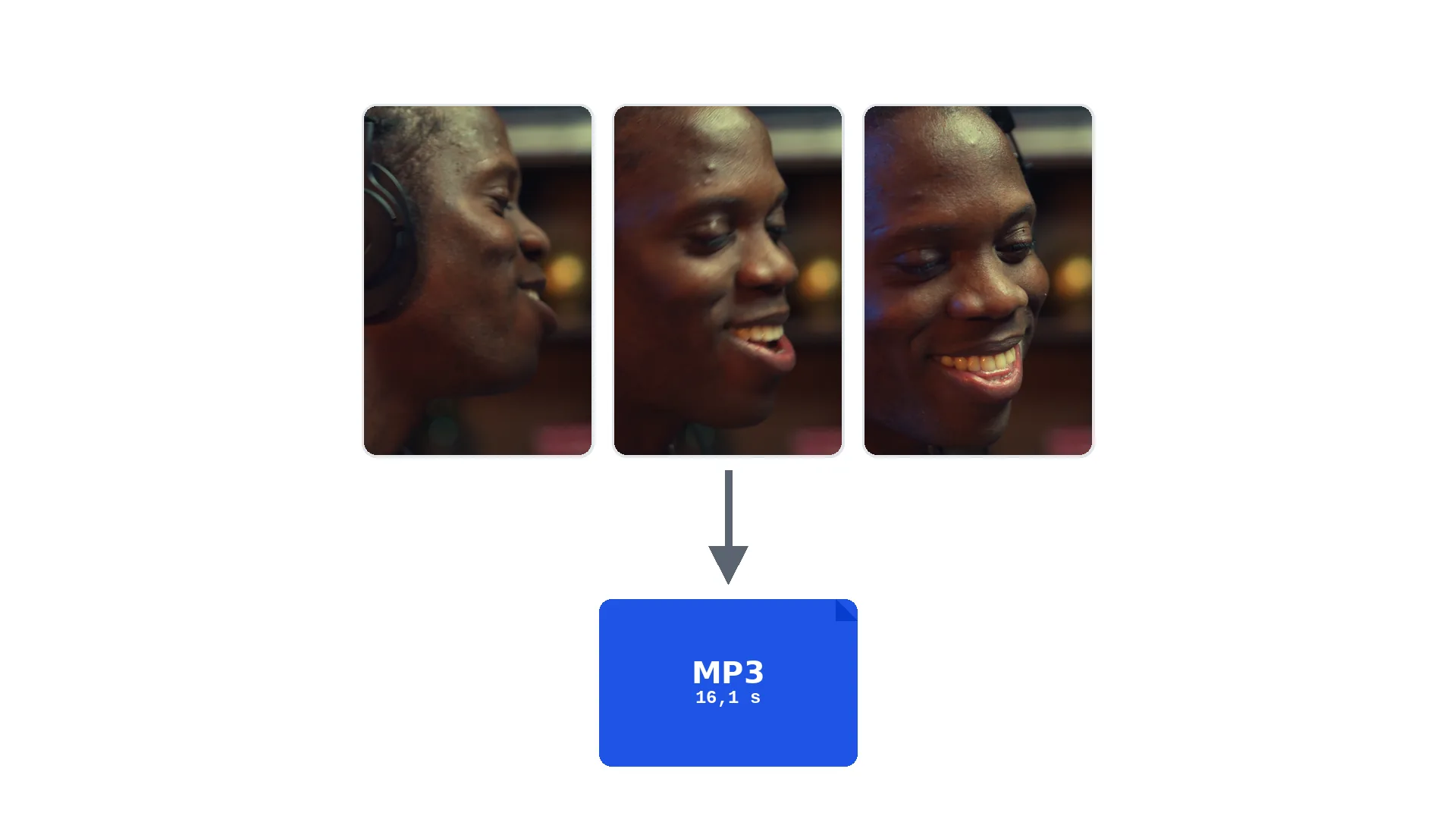

Convert YouTube Video to MP3 and Compress Audio in Minutes
Turning a YouTube video to MP3 takes about two minutes when you separate the process into two quick moves: saving the video as a file, then extracting a compressed…
Get the audio from any video as MP3 — on your computer or iPhone, no app to install.
This tool is being improved
Explore other toolsDaily limit reached
Fetching a video from a link can take longer than uploading a file — up to a minute or two for a long video.
Your file is kept — processing resumes automatically.
This limit resets tomorrow. Go Pro to never hit it again, on every tool.
Your file is kept: processing resumes where it stopped.
One job at a time. Yours finishes, then this one starts.
Drop to upload
Drop your file here
Or use the other entry, it stays available.
MP4, MOV, AVI, MKV, WebM, FLV
Free to try · no account required
Drop to upload
Convert to:
Translate to:
Timings preserved
Free to try
Platform
Duration
Free account required to use this tool. Sign up in seconds!
Free to try · no account required
Quota is based on full video duration. Queued and running tasks are included; the exact balance is checked before transfer.
COMPATIBLE PLATFORMS
Your Hashtags Are Ready!
Hashtags copied to clipboard — paste them in your post!
Klipa just saved you time. Give us 30 seconds back — leave a review on Trustpilot.
Conversion Complete!
Preview below. Download your file whenever you like.
Klipa just saved you time. Give us 30 seconds back — leave a review on Trustpilot.
Translation Complete!
Preview below. Download your file whenever you like. Timecodes are preserved.
Klipa just saved you time. Give us 30 seconds back — leave a review on Trustpilot.
Pick two different languages to start dubbing.
The sample plays in the target language so you can compare before starting.
Keep original voice underneath
Low volume, behind the translated voice.
Your Video Script
Klipa just saved you time. Give us 30 seconds back — leave a review on Trustpilot.
Your video is received and saved. It will start as soon as a machine frees up.
It's ready
This stage works through the video end to end. The percentage will only move once it's done.
This is the longest stage of the job. It is moving, even when the number isn't.
Cancel now? The work already done will be lost and the file will have to be uploaded again.
Get an email the moment it's ready.
Klipa is preparing your preview
Your best clip is being cut and auto-reframed (face tracking). This preparation happens only once — about 30 seconds.
Burning in the captions…
Klipa is burning your captions into this clip, in the style you chose — identical to the preview. This takes a moment, keep the page open.
The burn failed — nothing was lost, you can retry.
Keep your videos between sessions and get free credits for your next exports.
Preparing your logo-free video… The download will start on its own.
Klipa just saved you time. Give us 30 seconds back — leave a review on Trustpilot.
Convert THIS video in full · up to 2 GB / 2 h · one-off
Clean file, no watermark.
Klipa just saved you time. Give us 30 seconds back — leave a review on Trustpilot.
Your free plan hit its burn limit this month. Your settings are saved — unlock this result or go Pro to burn now.
Free download stays available below: the videos will carry the Klipa logo in the center and bottom.
We're preparing your logo-free videos…
We couldn't prepare your logo-free videos. Write to us — your purchase is safely recorded.
Klipa just saved you time. Give us 30 seconds back — leave a review on Trustpilot.
Longer videos and larger files with Pro.
Your original video is still available. Try another tool:
No commitment — cancel in one click, any time.
Pulling the soundtrack out of a video should not require editing software. Extracting audio from a video with Klipa takes seconds: drop the file, the audio is extracted and you download a clean MP3, ready to listen to or reuse.
A filmed lecture you want to listen to while walking, the audio of an interview to transcribe, the music from an edit to recover, a filmed podcast to publish as sound only: in all those cases only the audio track matters. Extracting the audio saves you from carrying hundreds of megabytes of useless picture.
Videos shot on an iPhone come as MOV files and weigh a lot. The audio extractor takes MOV as happily as MP4: you get the MP3 of your iPhone video without any app, straight from the browser.
The extracted audio keeps the quality of the original track: no aggressive re-encoding, no audio watermark. The resulting MP3 plays anywhere, imports into any editor and transcribes without trouble.
Drop the video file you want to extract audio from: MP4, MOV, AVI, MKV or WebM.
Klipa isolates the sound track of the video and converts it to MP3, without touching its quality.
Get your MP3, ready to listen to, edit or transcribe.
The audio of your video is extracted to MP3, the format every device and player reads.
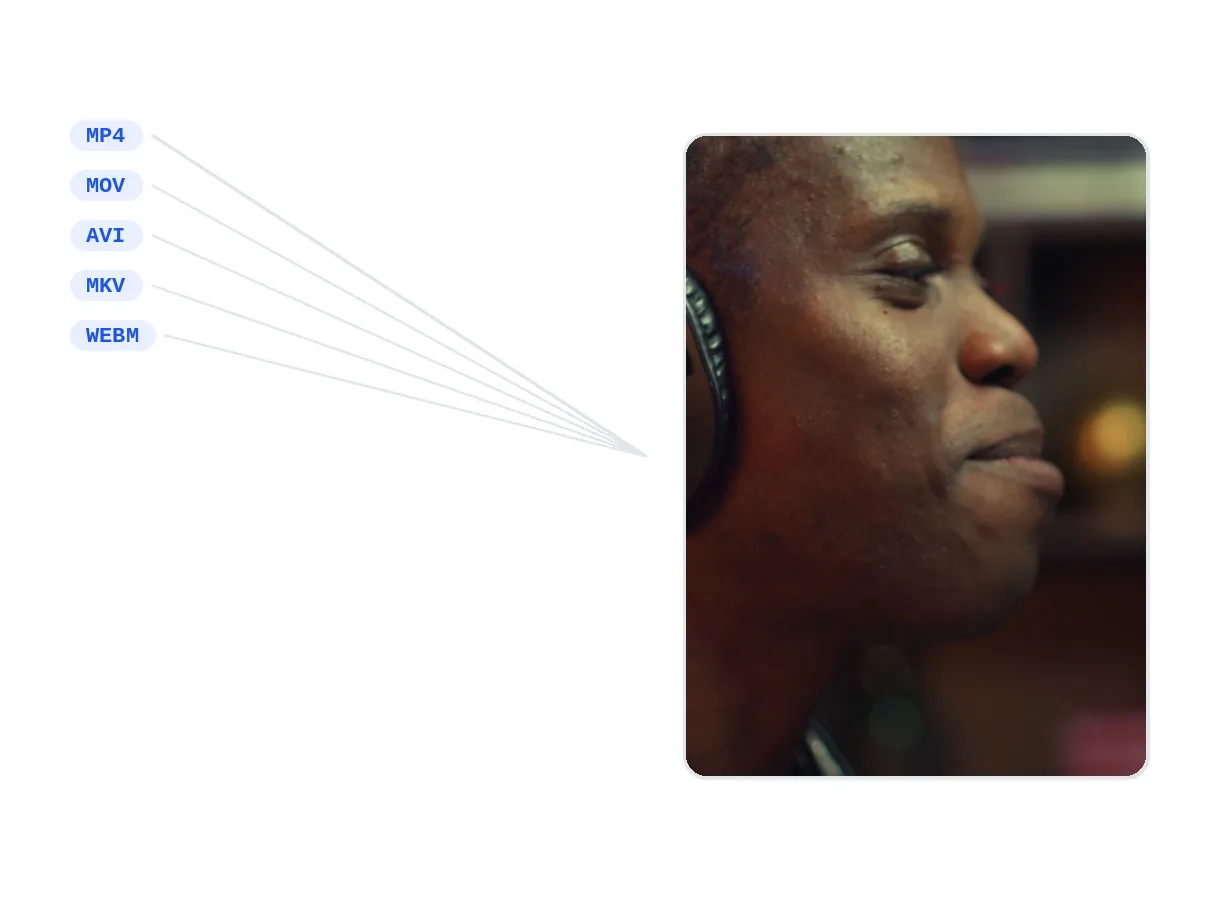
Extract audio from an MP4, a MOV filmed on iPhone, an AVI, an MKV or a WebM.
Extraction keeps the quality of the original sound track: no audible loss.
Everything runs online: no app to install to extract audio from a video.
Listen to the content in the car or on a walk: the extracted audio is enough, the picture adds nothing.
A MOV video shot on a phone becomes a plain MP3, with no app to install.
Transcription starts from the audio track: extracting it first speeds up the process and lightens the file.
Grab the music or ambient audio from an existing video to reuse in a new editing project. Export in WAV to preserve maximum fidelity and import the file straight into your video editor or DAW. Consider trimming the video first to the exact passage you need before extracting.
Extract voiceovers from training videos or speaker sessions from conference recordings to archive them as audio-only files. FLAC format ensures lossless preservation for years to come. Combine with AI transcription to get both the audio file and the full text of each talk.
Upload your video, run the extraction, download the MP3. It is free and needs no app.
Just drop the MOV file shot on the iPhone: the audio extractor turns it into an MP3 right in the browser.
An MP3 file, playable on every device and importable into any editing software.
No. The original audio track is extracted as-is: no audible loss.
MP4, MOV, AVI, MKV, WebM — and audio files too if you simply want to convert the sound.
Extraction works on videos up to 2 GB. Long videos are welcome.
No. The video and the extracted audio are deleted from our servers automatically after a short delay.
Yes. Extracted audio can be transcribed, then turned into animated subtitles with our dedicated tool.

Turning a YouTube video to MP3 takes about two minutes when you separate the process into two quick moves: saving the video as a file, then extracting a compressed…

You’ve got a video file—maybe a recorded Zoom call, a music video, or a clip from your phone—and all you really need is the audio. Manually recording it through…

You’re listening to a track on YouTube and you want just the audio. Maybe it’s a rare live performance, a podcast snippet, or background music for your next…
Extracting audio from a video takes no software, no account and no technical skill. Drop the file, take the MP3: the quality of the original audio is preserved and your video stays untouched.
Welcome credits are not renewed each month.
The amount shown is the total amount charged, with no additional fee.