

How to Download YouTube Videos on PC for Free
You’re stuck with a buffering icon or an offline message when you need that video most. Downloading YouTube videos to your PC solves that frustration instantly…
Download Dailymotion videos as MP4 with sound — free online, with no added watermark or app to install.

Save videos from any platform, no watermark.
Paste a compatible public Dailymotion video link to get an MP4 file. Then compress, trim, or subtitle the result.

Open the compatible public Dailymotion video, then copy its dailymotion.com/video/x... URL from your browser.
Paste the URL into the field above and click Download. Our server fetches the full video stream and converts it to a standard MP4 file.
Click the download button to save the MP4 to your device. From there, create a GIF from your favorite scene, or extract the audio if you only need the soundtrack.
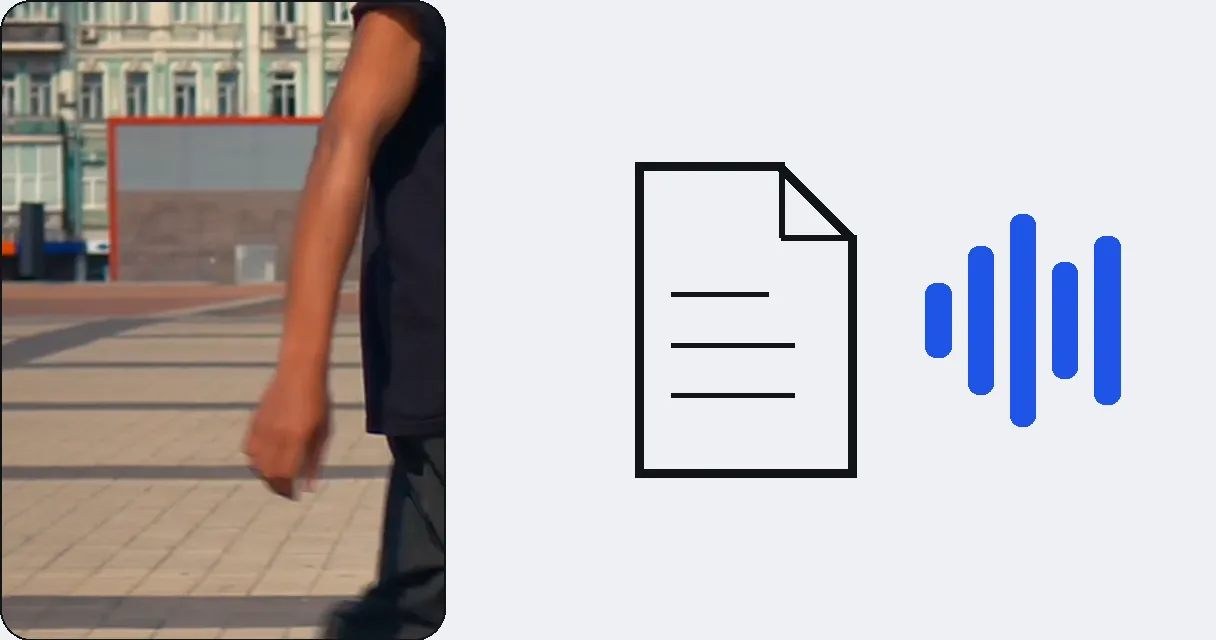
Free download in good quality; HD or 4K depending on the source as a paid unlock, video by video.
Works with compatible public Dailymotion videos, including supported embedded content.
No browser extension or software installation needed. Works directly online.
Quick processing.
Dailymotion is home to thousands of full-length documentaries. Download them before a flight or commute so you can watch without an internet connection. After downloading, compress the file to save storage space on your device.
Save sports replays and match highlights that are often uploaded to Dailymotion before other platforms. Cut the best moments into short clips and turn them into GIFs for social media reactions.
Teachers and students can save educational videos for classroom use without relying on a live internet connection. Download the video, then add subtitles to make it accessible to all learners regardless of language.
Copy the video URL from the address bar on Dailymotion, paste it here, and click Download.
The free download gives you the best quality the free tier can serve; the exact resolution of the file you get is shown at download time. If the source exists in higher quality (720p, 1080p), you can unlock the HD version as a paid option, for that video.
All videos are downloaded in MP4 format for universal compatibility.
Videos up to 2 GB are supported, which covers the vast majority of Dailymotion content.
Yes, our tool works on any device with a web browser, including smartphones and tablets.
Downloading public videos for personal offline use is generally acceptable. Always respect the creator's copyright and Dailymotion's terms of service. Do not redistribute copyrighted content without permission.
Currently, you can download individual videos one at a time. Paste each video URL separately to save it.
We always download the best quality available, but the maximum resolution depends on what the uploader provided. If a video was uploaded in 720p, that's the maximum you'll get.

You’re stuck with a buffering icon or an offline message when you need that video most. Downloading YouTube videos to your PC solves that frustration instantly…

You just watched an Instagram video that you absolutely need to keep. Maybe it’s a hilarious Reel, a behind-the-scenes clip from your favorite creator, or a…

Ever stumbled upon a fantastic video on Facebook and wished you could save it forever? Whether it’s a hilarious meme, a touching family moment, or a crucial…
Free and complete, no software needed. Try free.
No credit card required
Paste a compatible public Dailymotion link, download the MP4, then cut, subtitle, or compress it. Dailymotion remains supported by the same quota system as other platforms. If you own the video, turn that long video into several short ones for TikTok, Reels or Shorts.
