
Add a Logo to Your VideoOnline,Free

Overlay your logo on any video — free, online, position and size it freely.

This tool is being improved

Explore other tools

Daily limit reached

or

MP4, MOV, AVI, MKV, WebM

Free to try · no account required

Free to try · no account required

Timings preserved

Free to try

AI
Examples:

Platform

Duration

Audience & tone Optional
AI is writing your script…

Free account required to use this tool. Sign up in seconds!

Free to try · no account required

Free to try · no account required

Video duration
Minutes required
Minutes used / limit
Minutes remaining
Estimated balance after (min)
This video deserves better than a blurry copy. Much better quality is available — unlock it after your free download.

Quota is based on full video duration. Queued and running tasks are included; the exact balance is checked before transfer.

COMPATIBLE PLATFORMS

Example result — Add a Logo to Your Video Online, Free

Your Hashtags Are Ready!

Hashtags copied to clipboard — paste them in your post!

Klipa just saved you time. Give us 30 seconds back — leave a review on Trustpilot.

Conversion Complete!

Preview below. Download your file whenever you like.


Klipa just saved you time. Give us 30 seconds back — leave a review on Trustpilot.

Translation Complete!

Preview below. Download your file whenever you like. Timecodes are preserved.


Klipa just saved you time. Give us 30 seconds back — leave a review on Trustpilot.

Source language
Target language

Pick two different languages to start dubbing.

Voice

The sample plays in the target language so you can compare before starting.

Keep original voice underneath

Low volume, behind the translated voice.

Your Video Script

Klipa just saved you time. Give us 30 seconds back — leave a review on Trustpilot.

Duration :

Target format

Exact size (pixels)

× px

Fit mode

Resolution

0.25x1x2x4x

Uploading background…

Transparent export (ProRes .mov with alpha). Reserved for the Pass or a Pro plan; the preview shows on a checkerboard.

Drag · resize · rotate
Placement
Text
Logo / Image
Common settings
optional

Length of the final edit

Output Format

Keywords (optional)

Rotate the video to enable.

Get an email the moment it's ready.

The style applies to THIS clip only. Your other clips stay available on the result page — you can caption them separately, now or later from your dashboard.
LIVE PREVIEW · BURNED-IN CAPTIONS

Klipa is preparing your preview

Your best clip is being cut and auto-reframed (face tracking). This preparation happens only once — about 30 seconds.

No speech detected in this preview clip — clips that do contain speech will still be captioned.
Captions update live
Font
Size
Position
Text
Highlight
Caption text
Unsaved changes
My templates

Preparing your logo-free video… The download will start on its own.

Format Length Size Quality Saved Time removed Cuts ✓ Logo-free unlocked for this video

Subtitles (.srt) separate file

Klipa just saved you time. Give us 30 seconds back — leave a review on Trustpilot.

Free Google 1-click No credit card

Your original video is still available. Try another tool:

All tools
4.8 Based on 500+ user reviews
Understand first

Your logo burned into the video, exactly where and how big you want it

To add a logo to a video, upload the file, choose your image — a PNG with transparency gives the cleanest result — drag it where you want it, set its size and opacity, then export. The logo is burned into the frames themselves, so it travels with the video wherever it gets reshared. Free, online, with no software to install.

Logo or watermark: two different jobs

A logo signs: it shows your brand, usually in a corner, discreet but readable. A watermark protects: it discourages uncredited reuse, and sits larger, more transparent, sometimes across the picture. If protection matters more to you than branding, the add watermark tool fits better.

Where to place it so it stays visible

Every platform lays its own interface over your video: TikTok takes the right edge and the bottom, Instagram the bottom, YouTube the lower-right corner during playback. A logo in the top-left stays readable almost everywhere. Then set opacity between 60 and 80%: high enough to be seen, low enough to leave the picture alone.

Signing a video that's already edited

Overlaying a logo doesn't reopen the edit: it adds a layer on top, leaving resolution, colours and sound untouched. So you can sign a final export without rebuilding it. Afterwards, compress it if it's too heavy to send, or resize it for the platform you're posting to.


Example result — Add a Logo to Your Video Online, Free
Proof in the result

What the tool produces

Demo — Add a Logo to Your Video Online, Free
How it works

How It Works

Step 1

Step 2

Step 3

Why Klipa

Why add your logo with Klipa

Benefit — Add a Logo to Your Video Online, Free

Your brand on every frame

The logo is burned into the video itself: wherever your content travels, it stays signed.
Benefit — Add a Logo to Your Video Online, Free

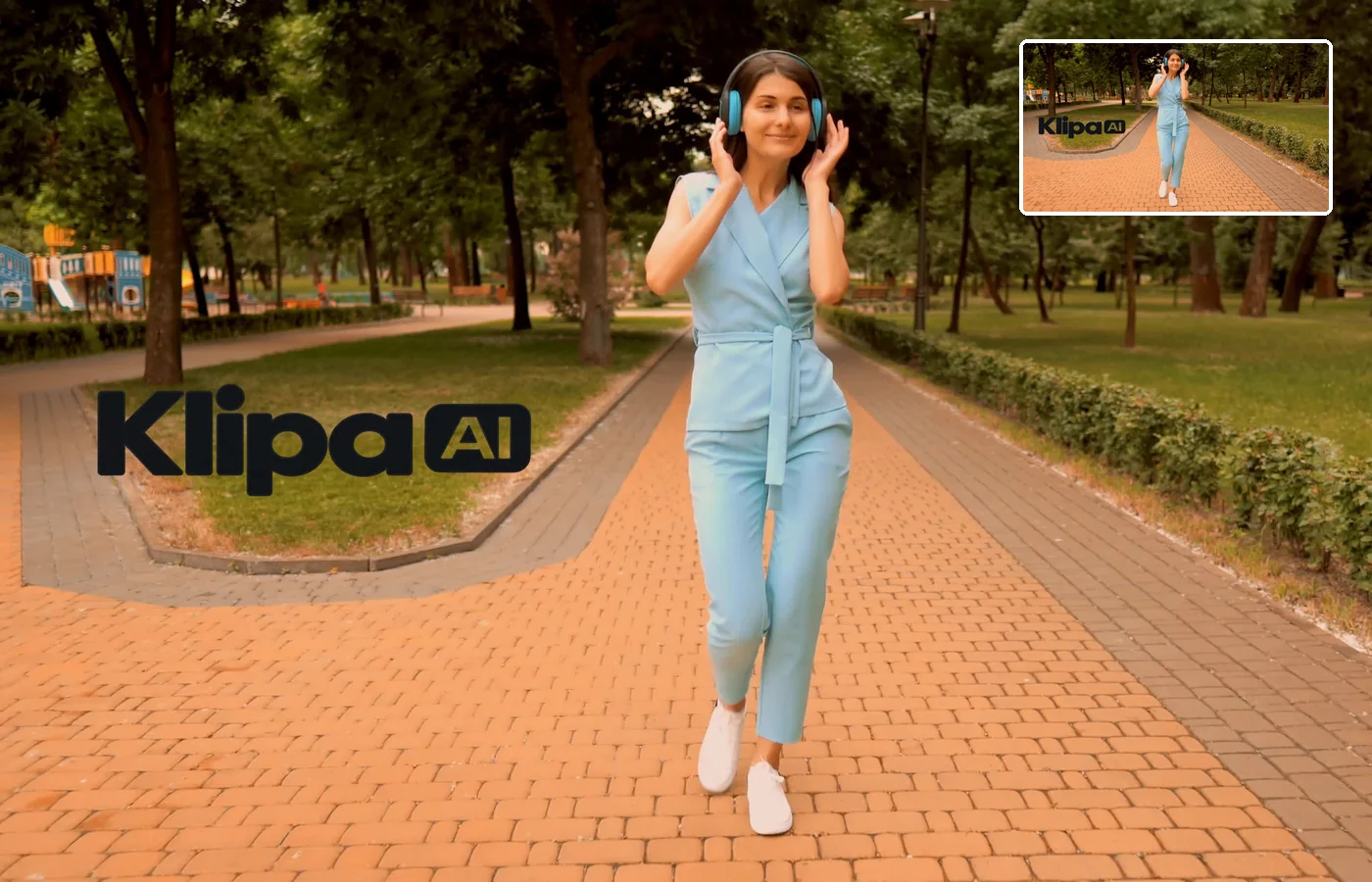
Position and size to the pixel

Place the logo in any corner, adjust its size and opacity, and preview the result before launching.
Benefit — Add a Logo to Your Video Online, Free

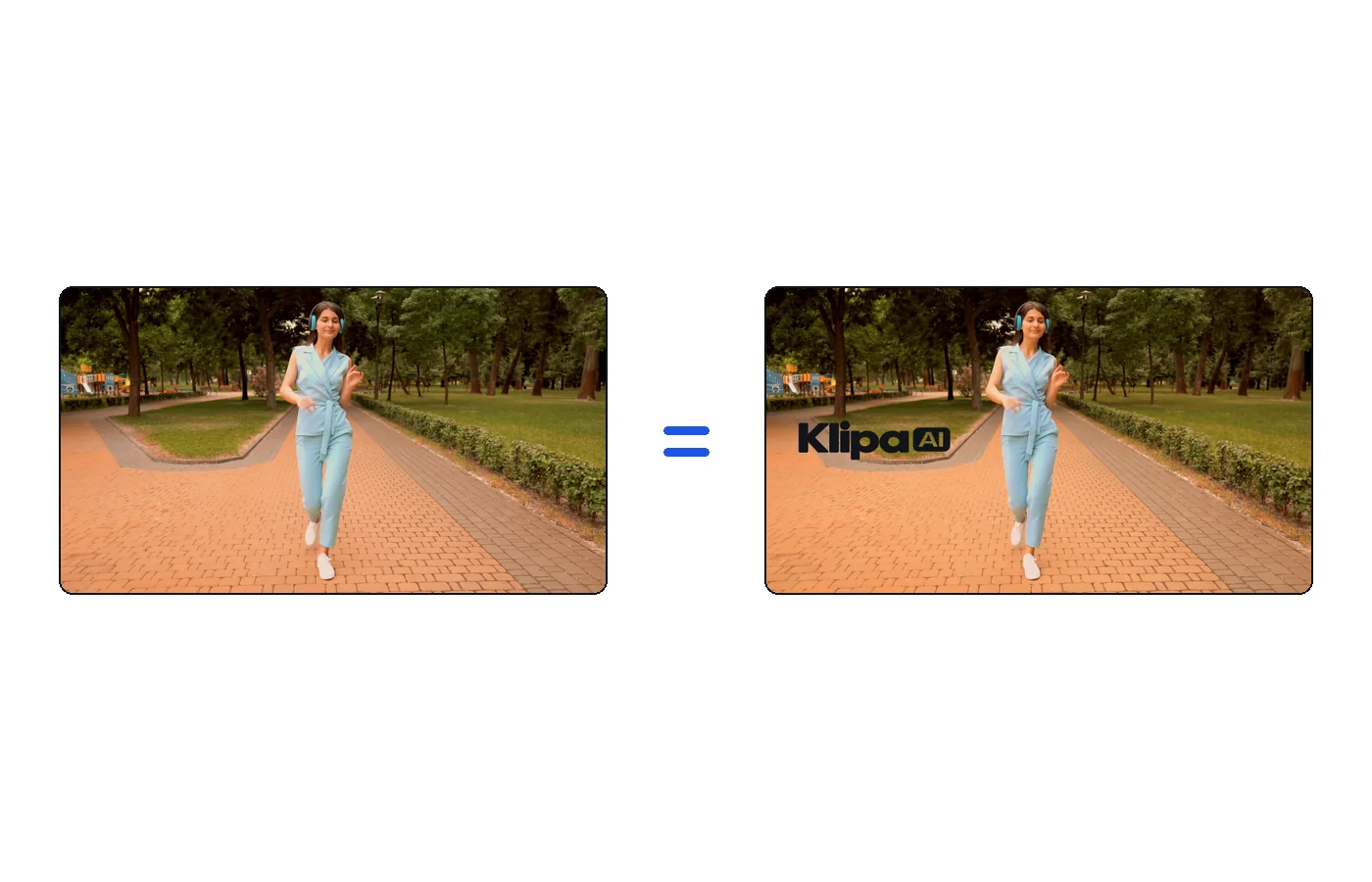
Original quality preserved

Only the logo is added: the video keeps its original resolution, colors and sound.

Ready for every platform

The file comes out as an MP4 that plays everywhere — social networks, website, presentation.

Frequently asked

They use it

What Creators Say

Your turn

In closing

A signed video, without going back to the edit

Pick your image, place it, set its size and opacity, export: your logo is burned into the video at its original resolution. Need protection rather than branding? Add a watermark. File too heavy to send? Run it through the compressor.

Example result — Add a Logo to Your Video Online, Free
All tools